
Passport Photo Maker
Remove the background with AI, fit your face to your country's exact photo size, and export print-ready.
Written by SamundraLast updated
Drag and drop a file here
Supports .jpg, .png, and .webp
Your photo is never uploaded anywhere — everything runs on your device. A clear, front-facing photo with even lighting works best.
Related tools
Introduction
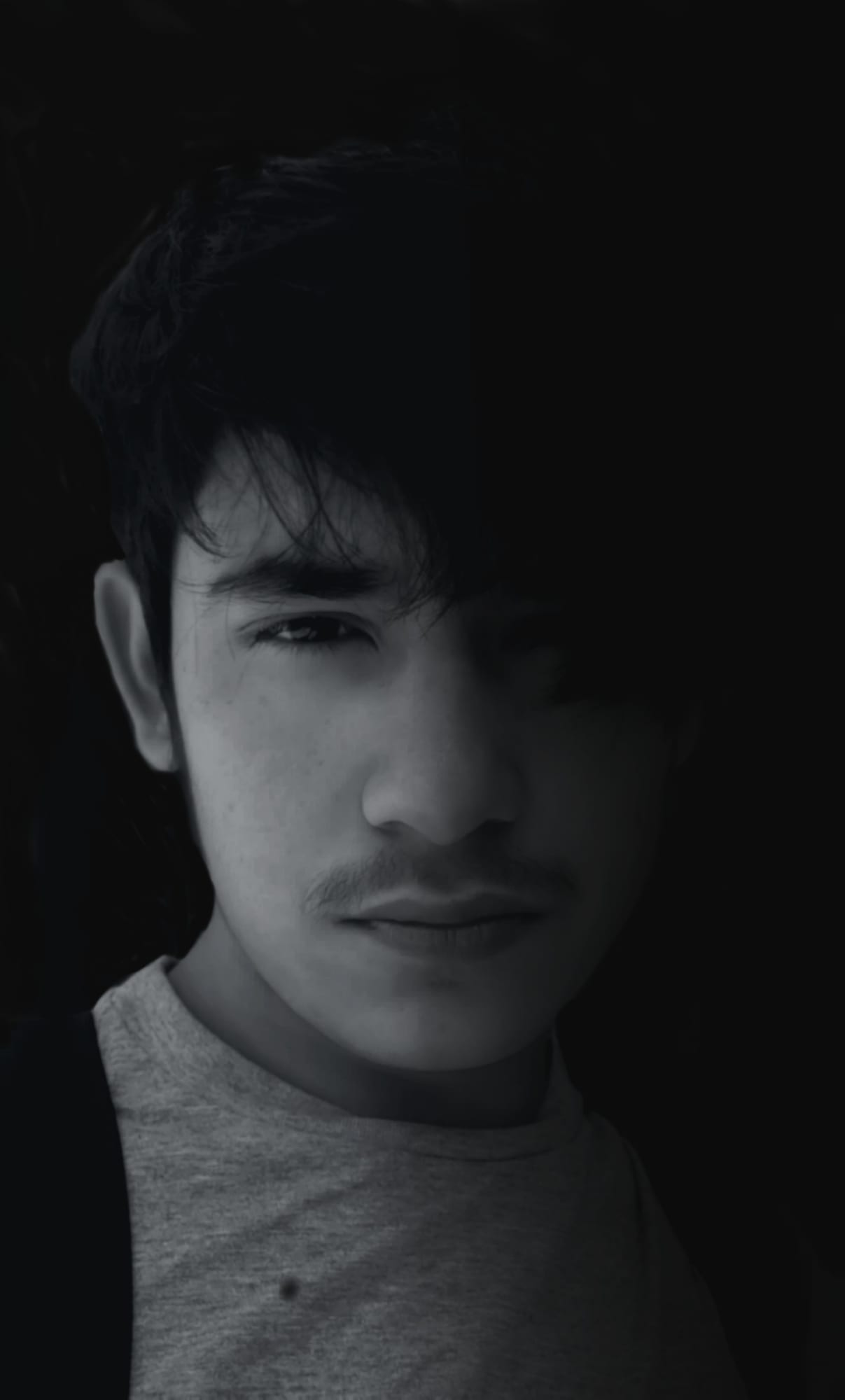
Passport Photo Maker is a free online photo tool that allows users to easily edit their photos to meet the requirements for their documents. The quality of the passport photo generated by this tool is also very good. Users can easily create a passport photo online without needing professional editing software.
This tool isn't only for creating passport photos; users can also easily remove backgrounds, set the proper photo size, and adjust face position. This tool creates a digital image while keeping your important facial features fully visible.
Moreover, users can take a photo at home using their mobile phones and use this tool to prepare it for a passport application. Always double-check the latest rules from the official authority. For U.S. passport photos, users should review the latest guidelines from the Department of State.
Why Use Passport Photo Maker?
By using this tool, users can easily create their own passport photos. Manually creating an ID photo can be difficult, but using this tool makes the process easier by helping users prepare a professional-looking passport picture quickly.
Users can create a photo to meet their requirements and the document type they need it for. The tool includes features such as adjusting the crop and creating a proper passport photo online from any device.
While taking the photo, the user should face the camera directly so that the facial features can be identified easily. If there are shadows on your face, there may be problems with the passport photo. Therefore, using this tool helps users enhance the quality of their photos and provides an effective and convenient method for creating passport photos.
Key Features
This tool is easy to use, allowing users to easily create their online photos.
It is a fast and simple tool that is easy for users to use.
It includes various editing processes such as crop, resize, and adjusting images according to common photo requirements.
Passports support digital images, so this tool supports digital image creation.
Users can easily create photos according to their requirements from home.
When creating a photo using this tool, it generates output with the same quality.
Photos taken on mobile phones can also be edited, making the tool user-friendly.
The tool saves time by making the photo preparation process easier before starting your passport application.
Passport Photo Requirements
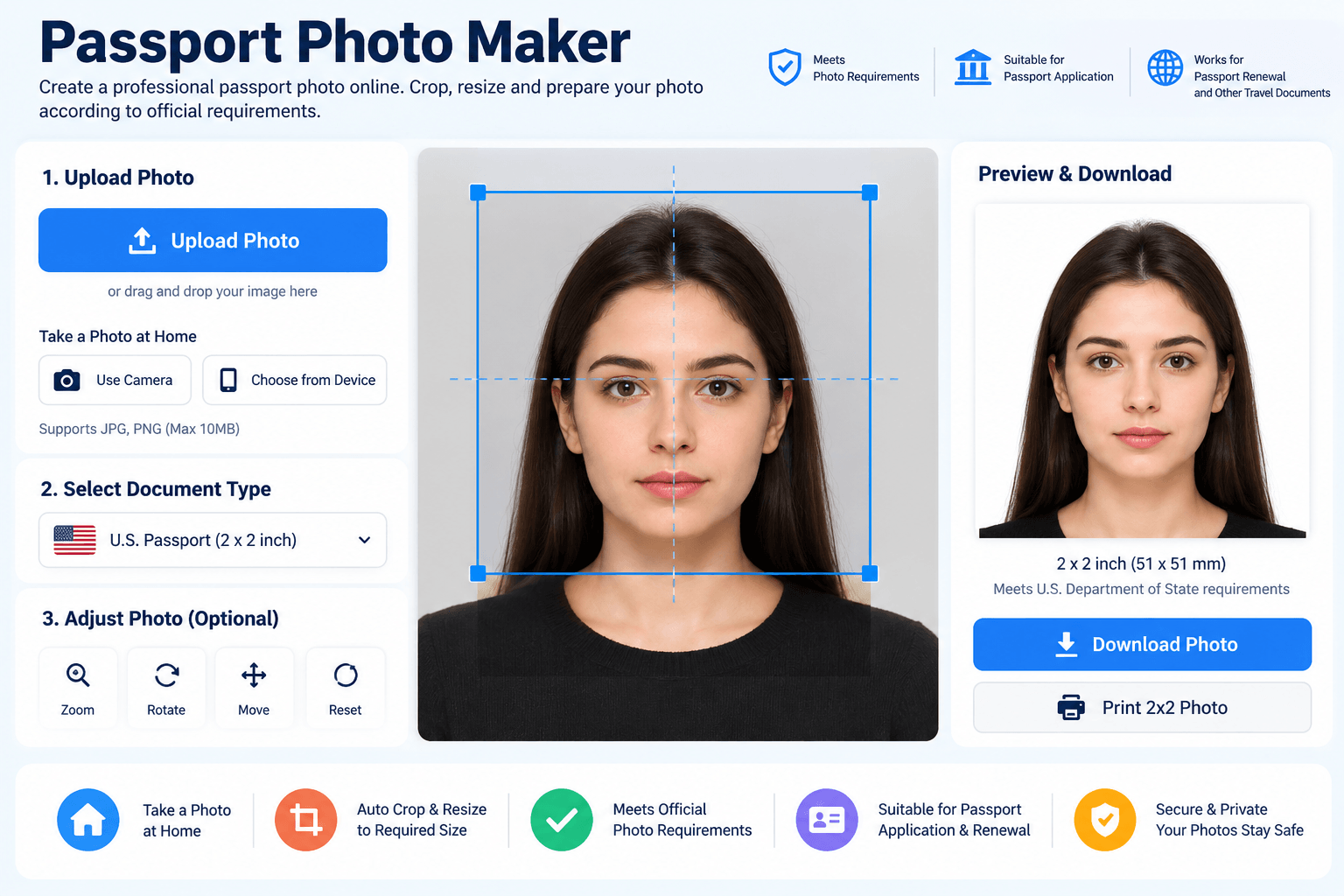
When creating a passport photo, users must follow the photo requirements for the passport or document they are applying for. The photo must be clear and properly sized. It must show the person's face clearly. I have found that keeping the background simple helps the photo stand out.
The person must face the camera, and important facial features must be fully visible. Users should keep a neutral facial expression and must avoid strong shadows on the face while taking the photo. Remember to keep the eyes open and the mouth closed.
Head position is also important. The complete face, from the top of the head to the bottom of the chin, must be properly positioned in the image. Rules about whether applicants can wear glasses may vary, so users should check the official requirements before submitting the photo.
Supported Files, Limits & Output
Supported Input Formats:
JPG / JPEG
PNG
WebP
Output:
High-quality passport photo
Properly resized image
Digital passport image
Supported Devices:
Windows
macOS
Linux
Android
iOS devices
The exact file size, dimensions, and format required may depend on the passport application, passport renewal, or other travel document. Users should always double-check the requirements before submitting the final image.
Try this Image DPI checker
How to use
Upload Your Photo
Click the upload button and select a clear photo from your mobile phone, computer, tablet, or other device. You can also take a photo at home using your mobile phone and upload it directly to the tool. Make sure your face is clear and you are facing the camera properly.

Crop, Resize, and Adjust Your Photo
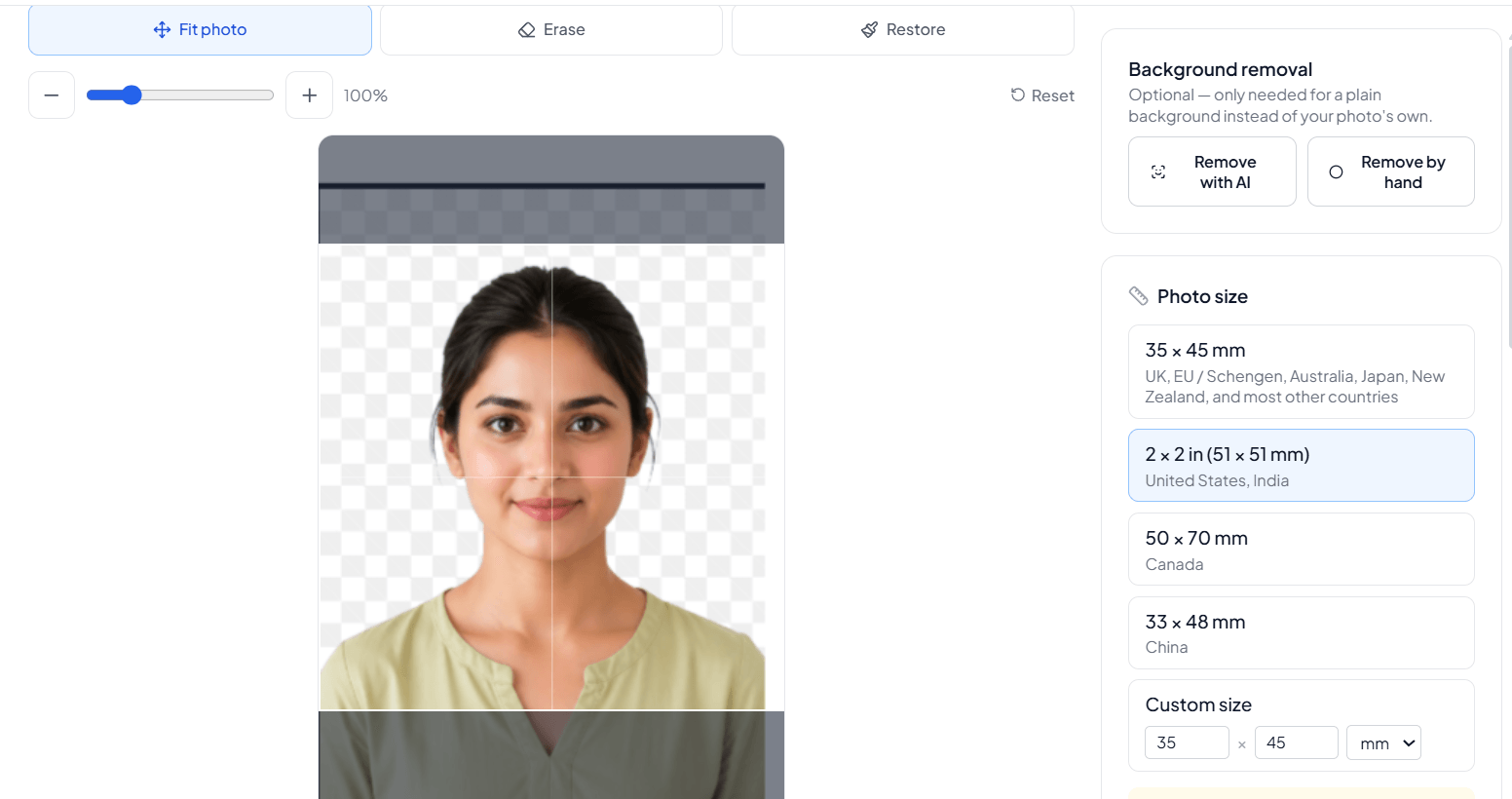
Use the photo tool to crop, resize, and adjust the image according to the required photo requirements. Set the correct photo size, adjust the face position, and make sure your important facial features are fully visible. You can also remove or adjust the background if needed.
Preview Your Photo
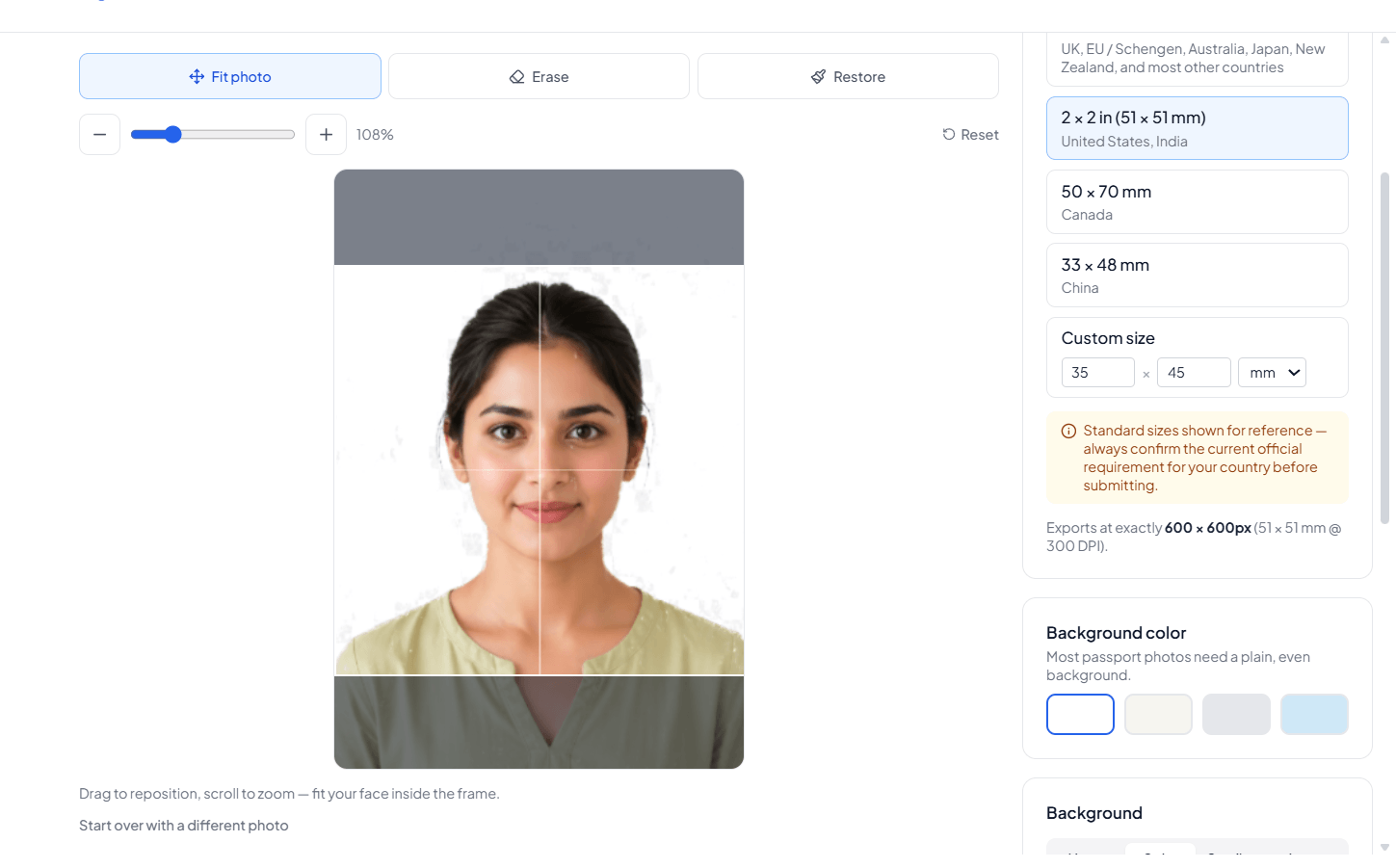
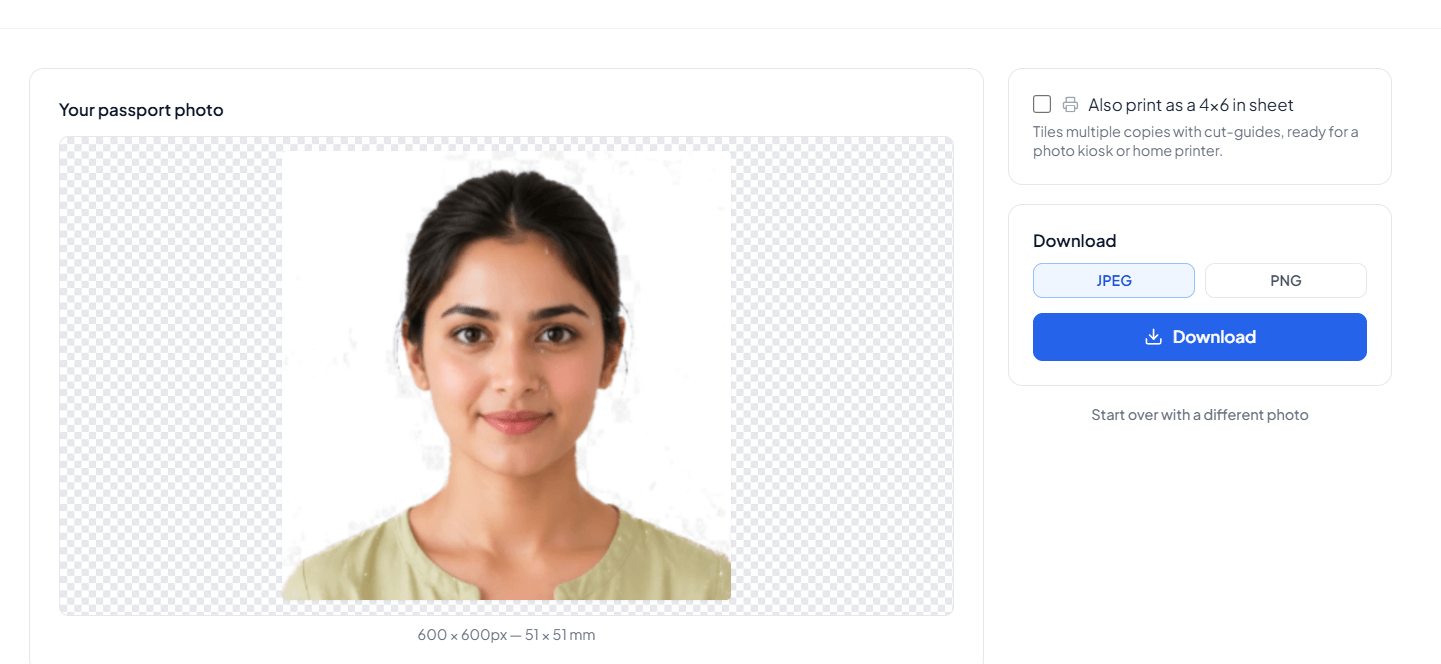
Preview your passport picture and double-check the size, background, face position, and image quality.
Download Your Photo
Download the final digital image and use your passport photo online for a passport application, passport renewal, or other travel document.
Frequently asked questions
. What is a Passport Photo Maker?
Passport Photo Maker is an online photo tool that helps users crop, resize, adjust, and prepare photos to meet their requirements.
Can I take my own passport photo at home?
Yes, you can take a photo at home using your mobile phone or camera and then use the tool to prepare it for your required document.
Can I remove the background from my passport photo?
Yes, you can remove or adjust the background while preparing your passport picture. You can also use a separate Background Remover tool when needed.
How can I resize an image for a passport photo?
You can use Passport Photo Maker to crop and resize your image according to the required dimensions. For general image resizing, you can also use an Image Resizer tool.
Can I convert my passport photo to another image format?
Yes. If your application requires a different format, you can use image converter tools such as PNG to JPG, WebP to PNG, or other supported converters.
Can I use the photo for other documents?
The prepared image may also be useful for other ID photo or travel document purposes, depending on their specific requirements.
Can I compress my passport photo?
If your digital image is larger than the required file size, you can use an Image Compressor tool to reduce its size.
Can I use a mobile photo for my passport?
Yes, you can upload a clear mobile photo. Make sure you are facing the camera and your facial features are fully visible.
Last updated:
Share this tool
Know someone who'd find it useful? Send it their way.